Father Son AI Photo Prompts: Split Face Portrait
QUICK ANSWER
Copy a prompt below, attach a photo of father and son in ChatGPT or Gemini, and paste. Both faces stay the same — only the style changes.
A father and son share a bond that deserves a portrait as special as the relationship itself. These two looks turn one ordinary photo into something worth framing: a striking split-face portrait and a warm matching-outfit duo shot.
You only need one clear photo of father and son, and the AI does the rest: it changes the style and the setting while their features stay untouched.
1. Split Face Portrait
✦ AI IMAGE PROMPT
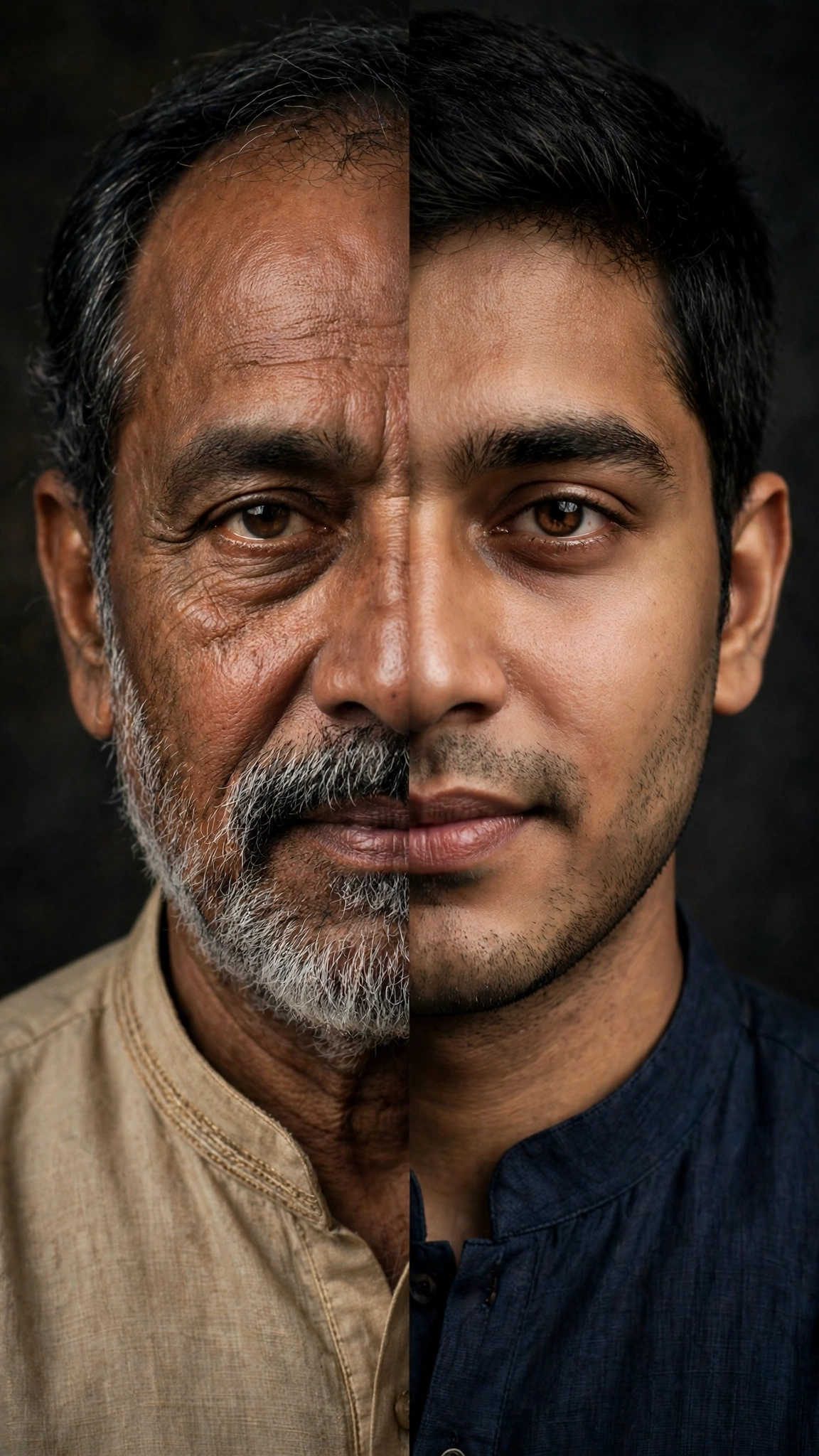
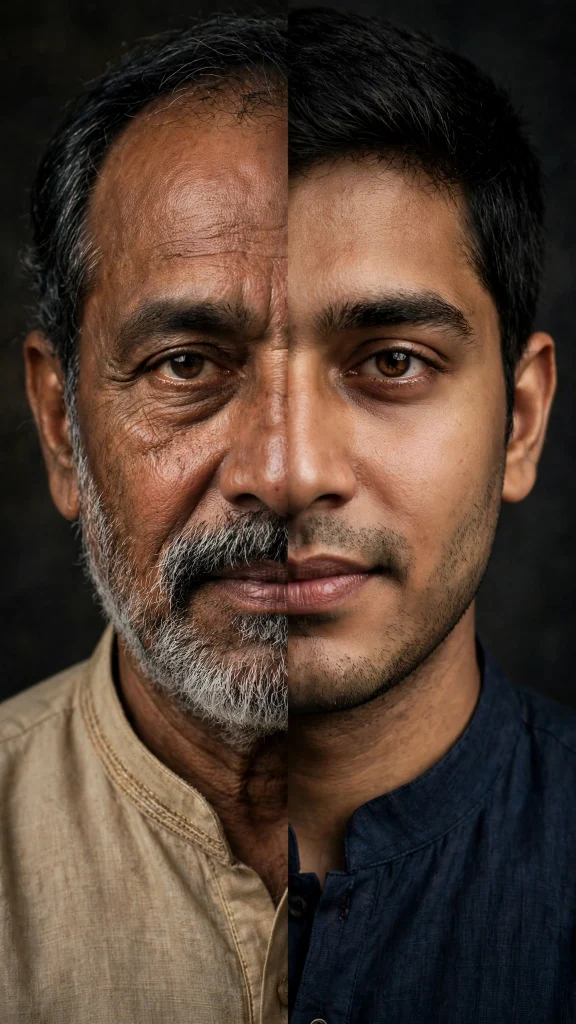
Two faces, one frame. The split-face portrait lines the father’s face up beside the son’s, half and half, so the family resemblance becomes the whole picture.
Keep both faces and identities from the uploaded photo, do not change the faces at all. Create a split-face portrait with the father’s face on one half and the son’s face on the other half, perfectly aligned, studio light, emotional and artistic, vertical 9:16, no text, no watermark.
Split Face Portrait
If the split portrait feels too dramatic for a family album, the second look keeps things warm and simple.
2. Matching Outfit Duo
Matching Outfit Duo
✦ AI IMAGE PROMPT
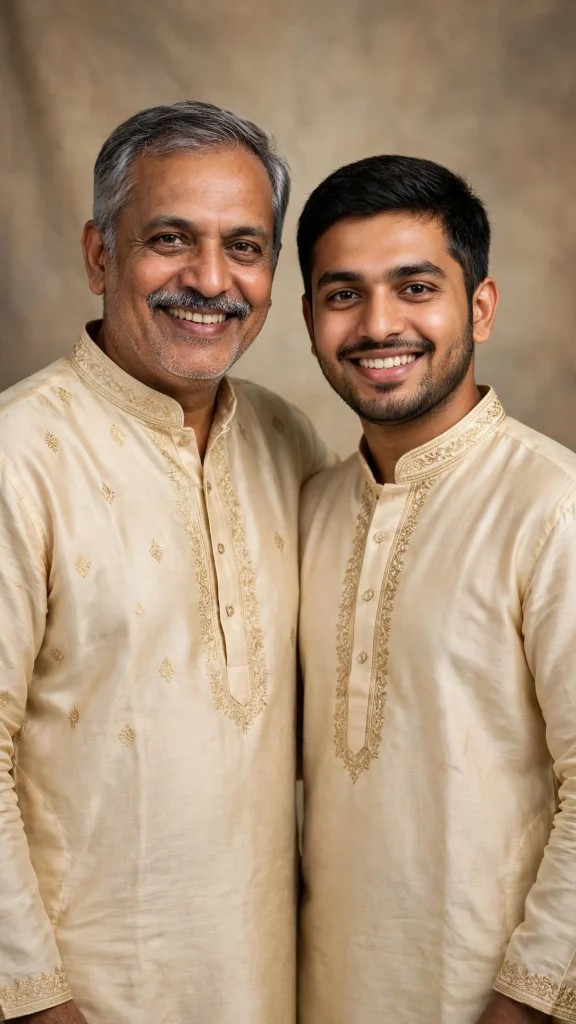
Matching outfits, matching smiles. This duo shot puts father and son side by side in the same clothes for a portrait that feels joyful and easy.
Keep both faces and identities from the uploaded photo, do not change the faces at all. Show the father and son standing together in matching outfits, warm smiles, soft studio background, heart-warming portrait, vertical 9:16, no text, no watermark.
What’s Inside This Collection
This collection packs two very different father-son looks into one page: an artistic split-face portrait for a striking keepsake, and a bright matching-outfit duo shot for a cheerful family photo.
Key takeaways:
- Split Face Portrait blends both faces into one artistic frame.
- Matching Outfit Duo keeps the mood warm and joyful.
- Both prompts keep both faces exactly as they are.
- Both looks work in ChatGPT and Gemini with one photo.
Which Prompt Fits Which Mood
| Prompt | Mood | Setting | Light |
|---|---|---|---|
| Split Face Portrait | Emotional, artistic | Studio | Soft studio light |
| Matching Outfit Duo | Warm, joyful | Studio | Bright soft light |
How to Use These Prompts
- Open ChatGPT or Gemini and start a new chat.
- Upload a clear photo of father and son with both faces visible.
- Copy a prompt from above and paste it into the chat.
- Send it, wait for the image, and download your favourite result.
Tips for Better Results
Use a photo where both faces are well lit and facing the camera — the split portrait depends on clear, straight-on faces.
For the matching-outfit look, pick a photo with both of you standing close together so the AI keeps the same warm, side-by-side feel.
If the first result looks slightly off, send the same prompt again with a different photo — a sharper original usually fixes it.
Conclusion
Father-son photos are at their best when they feel personal, and these two prompts keep it that way. Try the split-face portrait for something artistic, or the matching-outfit duo for a classic family shot, and keep exploring Prompt Seen.
FAQ
If you enjoyed these prompts, explore more trending AI photo prompts on Prompt Seen and keep creating high-quality images with ease.