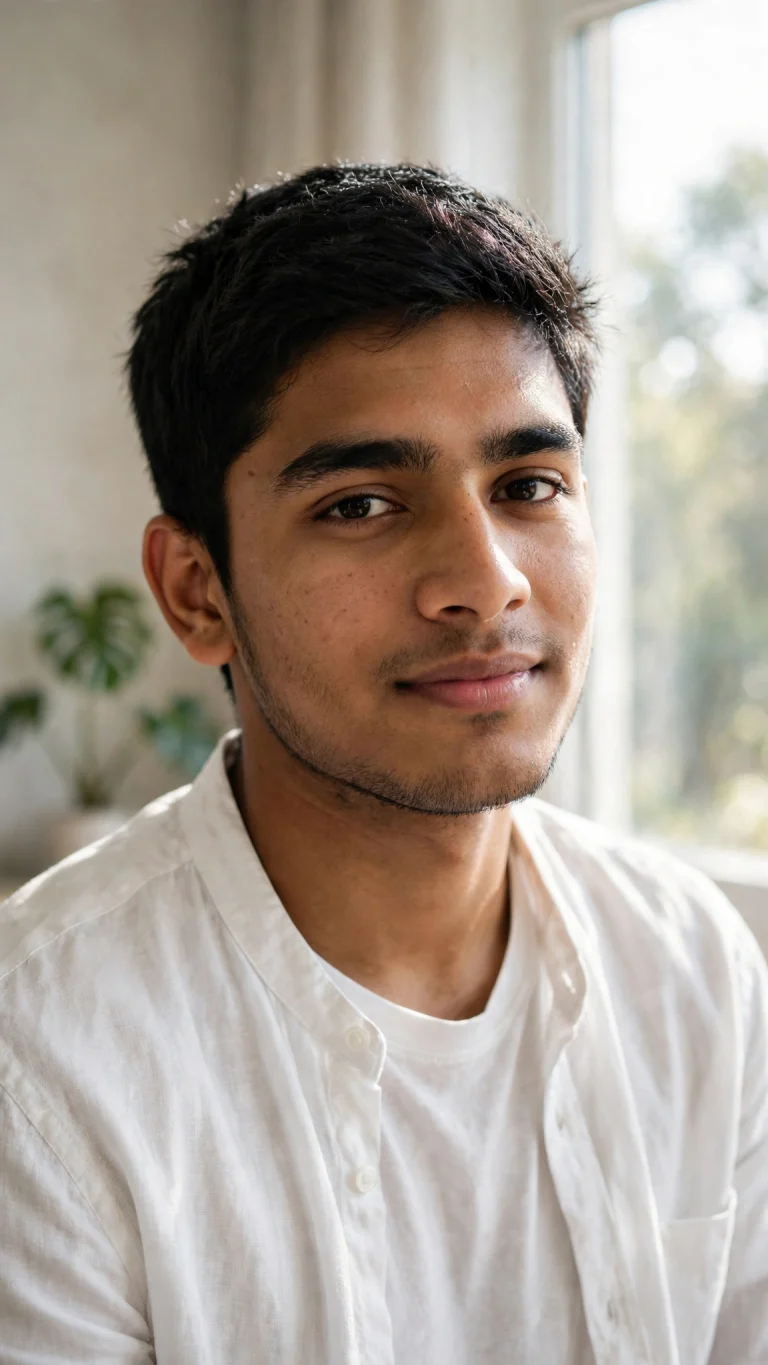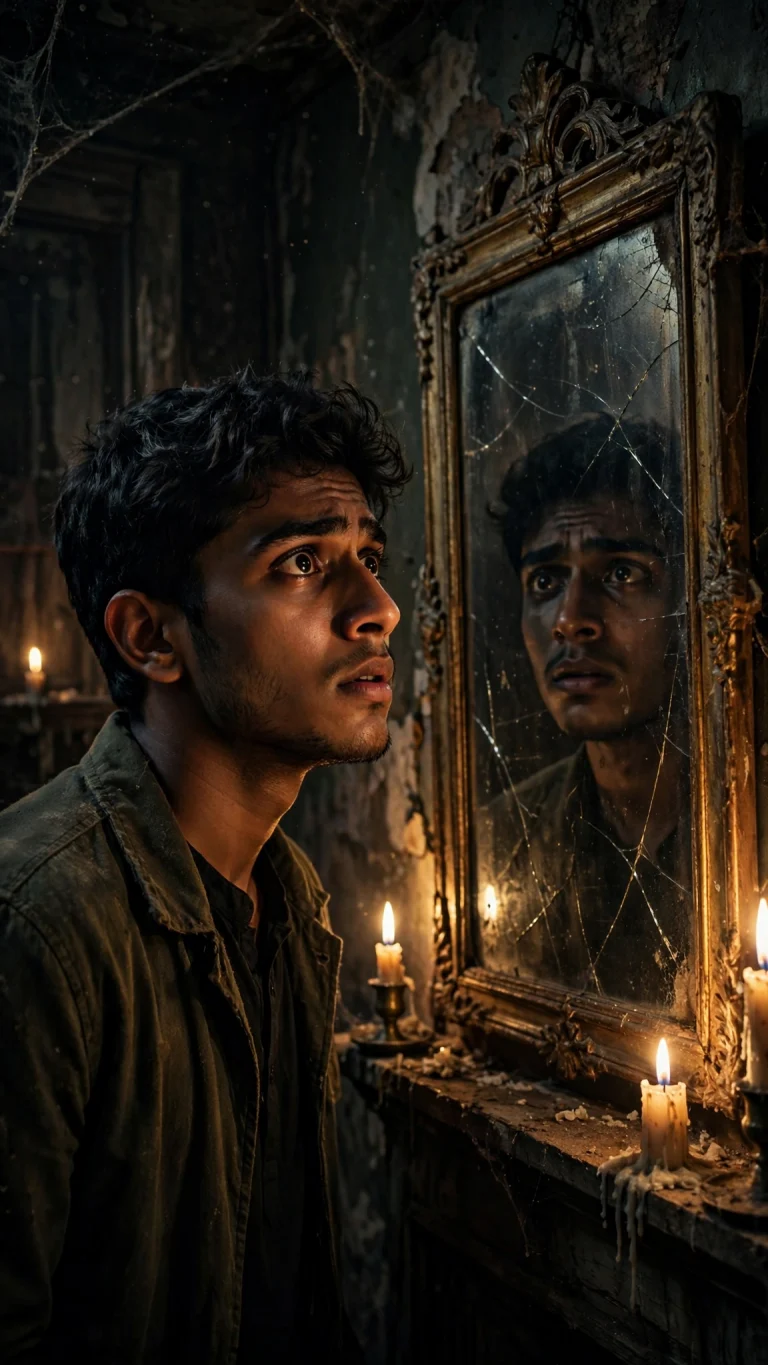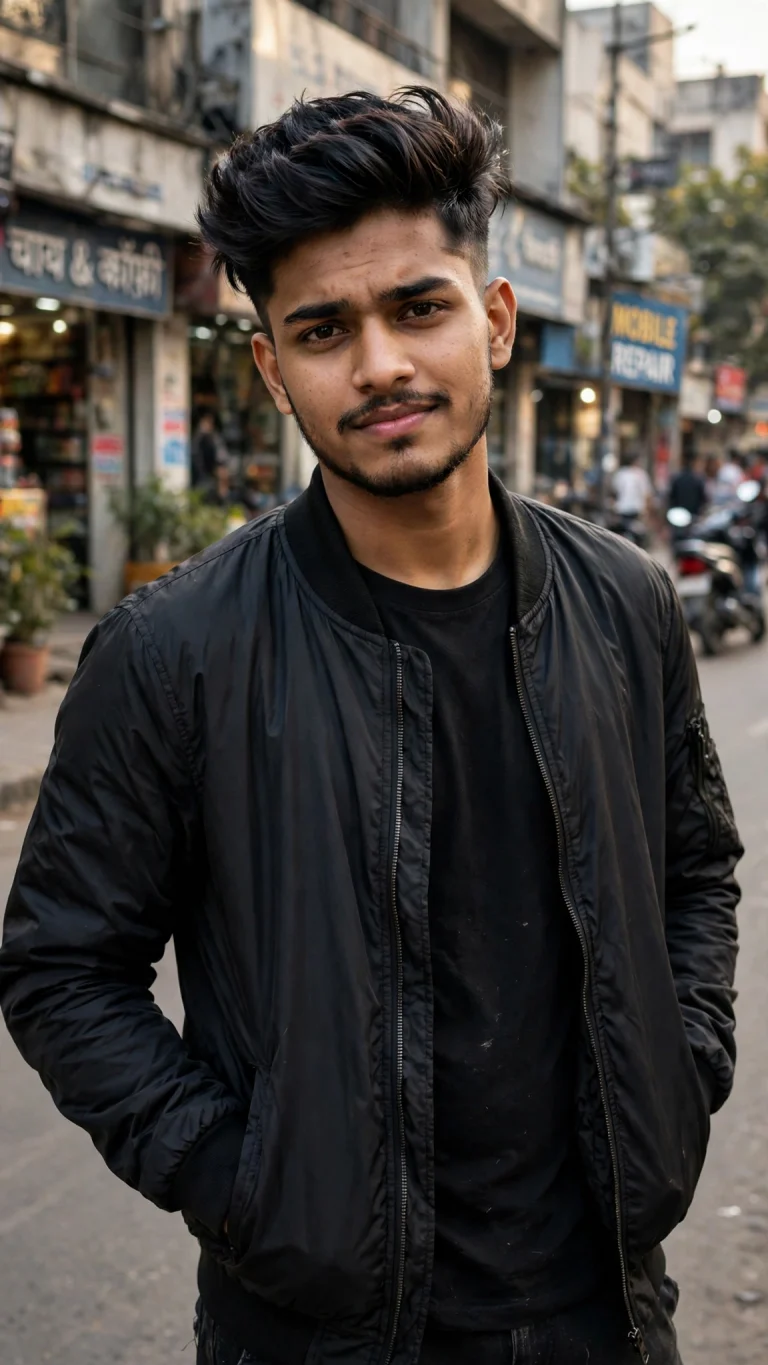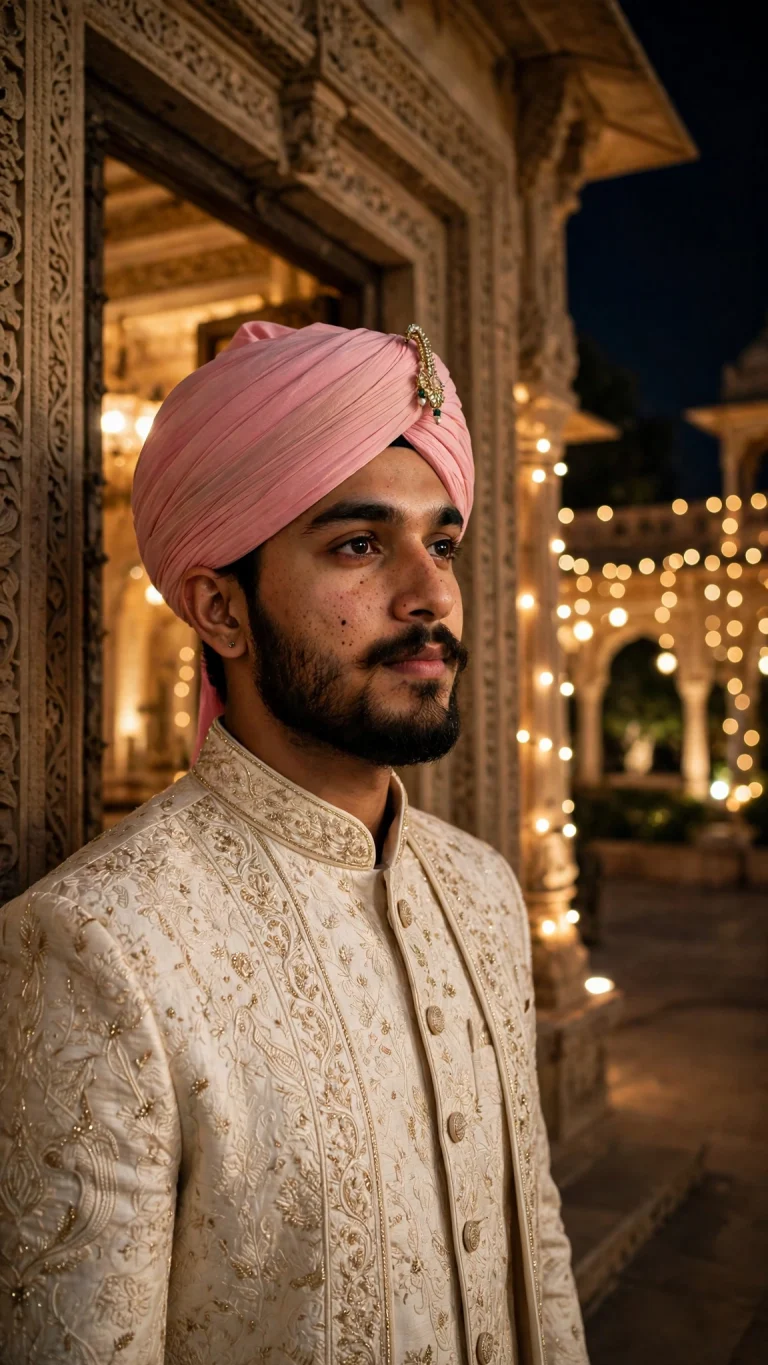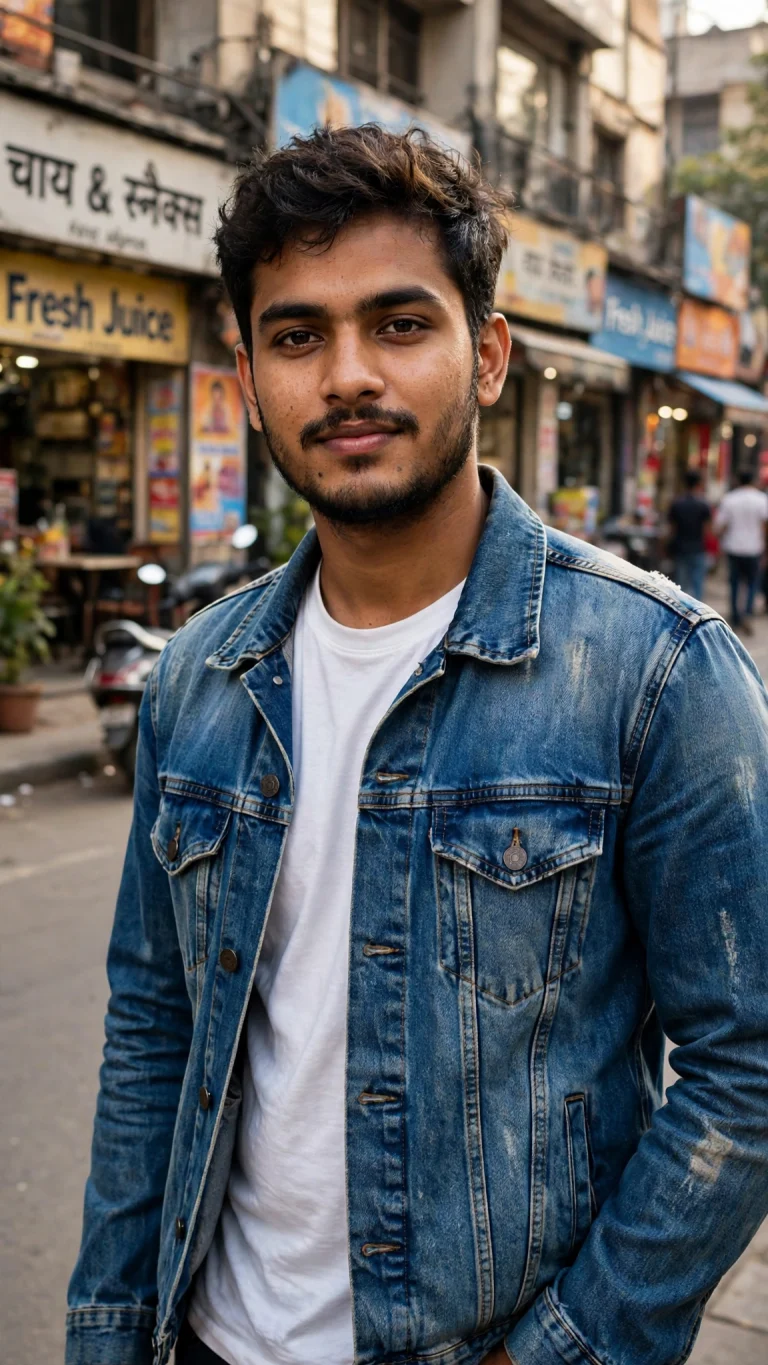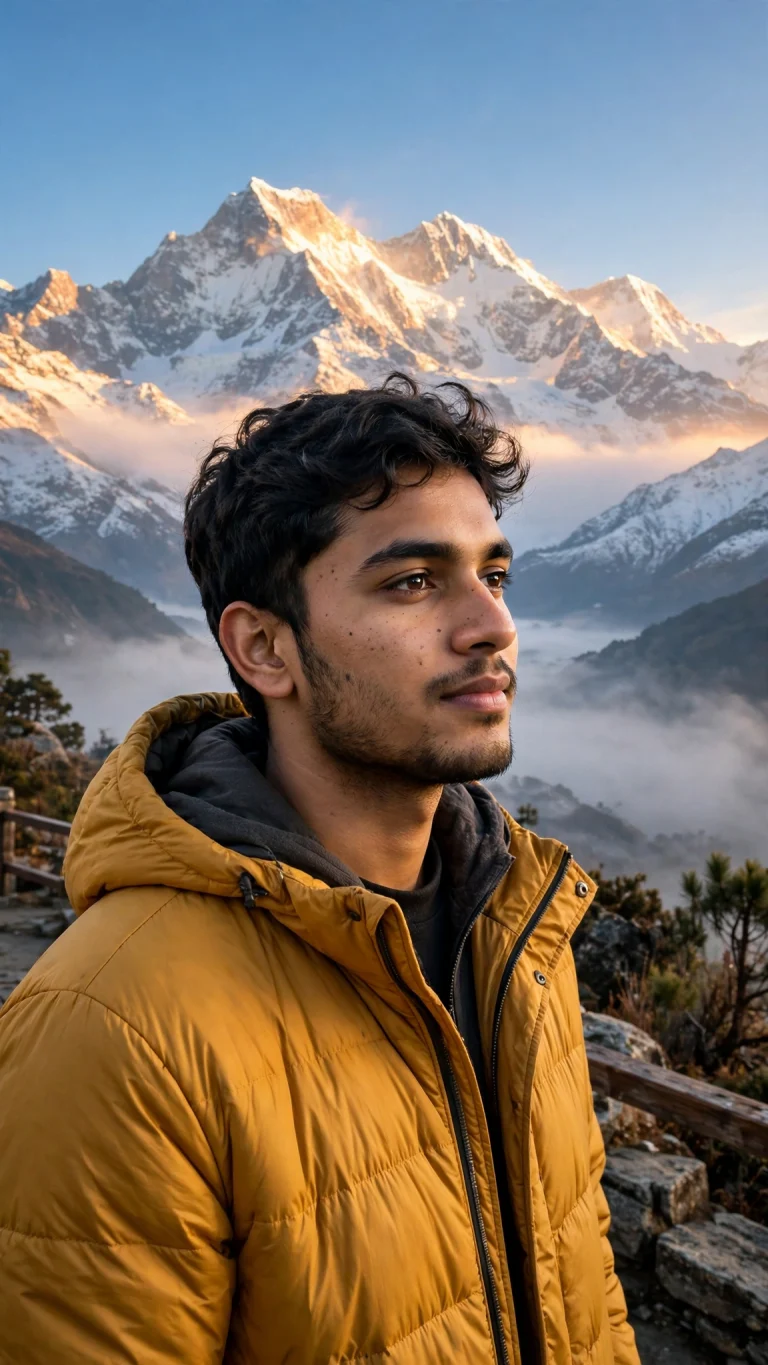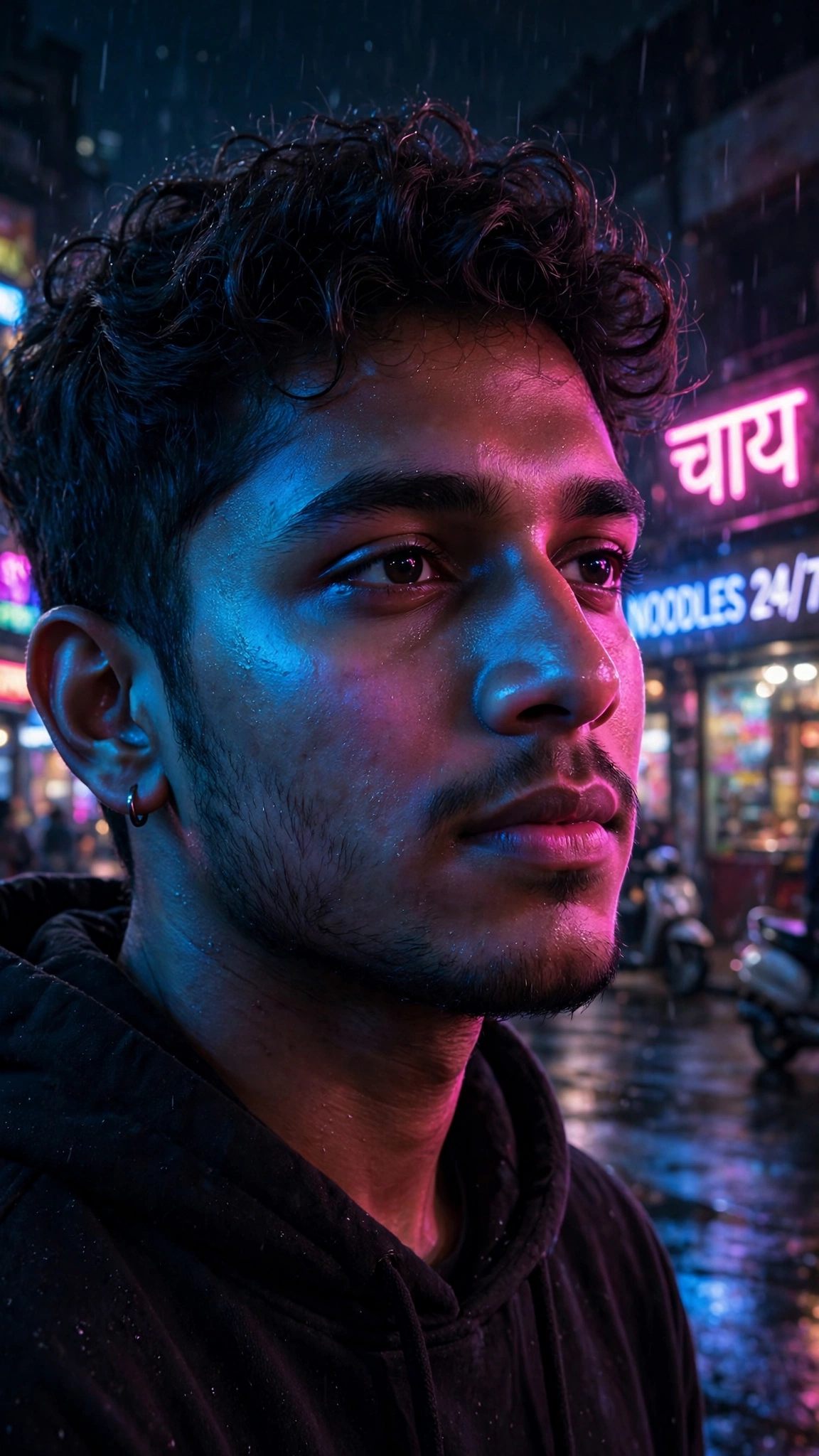
Gemini Aesthetic Boys AI Photo Prompts: Neon & Vintage Looks
QUICK ANSWER
Copy a prompt below, attach your photo in ChatGPT or Gemini, and paste. Your face stays the same — only the outfit and scene change.
Gemini’s image mode turns one ordinary photo into a striking portrait, and the right prompt is what makes the difference. These two looks cover very different moods — a neon-lit night street in blue and pink, and a warm vintage film portrait — and each one is written to keep your face exactly as it is.
Every prompt below works in both ChatGPT and Gemini. You only need one clear photo of yourself, and the AI does the rest: it changes the outfit, the setting and the light while your features stay untouched. Copy the one you like, paste it with your photo, and generate.
1. Neon Night Portrait
✦ AI IMAGE PROMPT
A boy in a neon-lit night street portrait — blue and pink glow on his face, cinematic and moody, made for a striking profile photo.
Keep the same face and identity from the uploaded photo, do not change the face at all. Show the boy in a neon-lit night street portrait, blue and pink neon glow on his face, cinematic aesthetic mood, vertical 9:16, no text, no watermark.
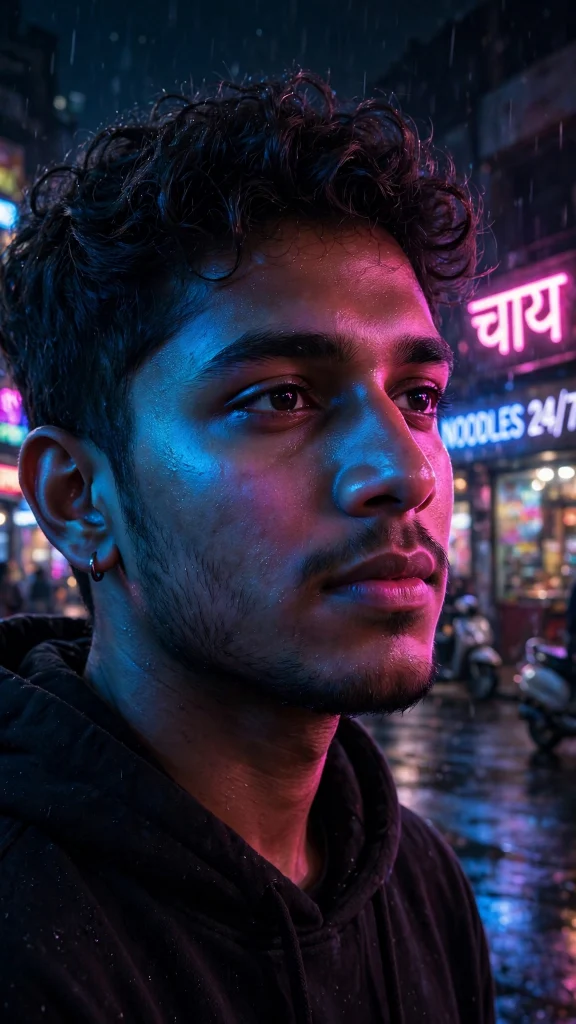
Neon Night Portrait
After the neon night, the next look rewinds the clock — same stylish eye, a much warmer and more nostalgic film portrait.
2. Vintage Film Look
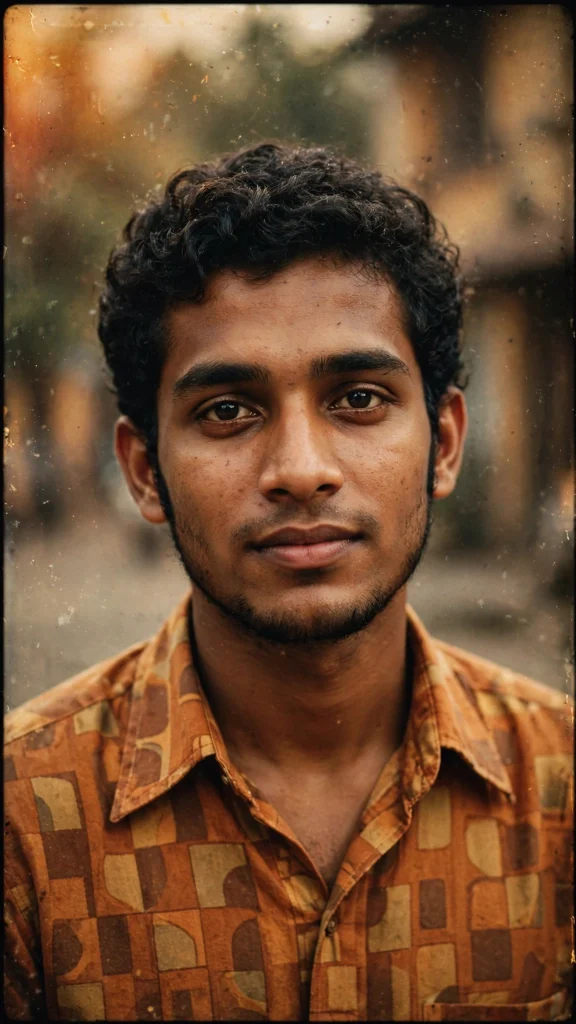
Vintage Film Look
✦ AI IMAGE PROMPT
A boy in a vintage film photography style portrait — retro shirt, warm grainy tones and an old-camera feel, timeless and easy.
Keep the same face and identity from the uploaded photo, do not change the face at all. Show the boy in a vintage film photography style portrait, retro shirt, warm grainy tones, old camera aesthetic, vertical 9:16, no text, no watermark.
What’s Inside This Collection
Two Gemini aesthetic boy looks, each one built around a different mood and finish: a neon night street portrait in blue and pink glow, and a vintage film portrait with a retro shirt and warm grainy tones. Both keep your face unchanged and work the same way — attach one photo, paste the prompt, generate.
Key takeaways:
- Neon Night Portrait — best for cinematic, moody night portraits.
- Vintage Film Look — best for retro, warm film-style portraits.
- Both looks keep your face unchanged — only the outfit and scene change.
- Both prompts work the same way in ChatGPT and Gemini.
Which Prompt Fits Which Mood
| Prompt | Mood | Setting | Light |
|---|---|---|---|
| Neon Night Portrait | Cinematic, moody | Neon night street | Neon glow |
| Vintage Film Look | Retro, warm | Studio portrait | Grainy film tones |
How to Use These Prompts
- Open ChatGPT or Gemini and start a new chat.
- Upload a clear, front-facing photo of yourself.
- Copy a prompt from above and paste it with your photo.
- Generate, check the result, and download the look you like.
Tips for Better Results
Use a clear, front-facing photo taken in good light. The AI needs to see your face properly to keep it unchanged — a blurry or side-on photo is the most common reason a result looks off.
For the neon look, keep your face well-lit and centred so the blue and pink glow falls evenly across it. A plain, dark background helps the neon colours read cleanly in the frame.
Generate one look at a time and compare the results before moving on. Small changes — a different light or a slightly different pose — are easier to judge when you are not juggling two generations at once.
Conclusion
These two Gemini aesthetic boy prompts turn one ordinary photo into two very different portraits — cinematic and retro — without changing your face or asking you to write a single line of prompt yourself. Pick the look that fits your day, paste it into ChatGPT or Gemini, and let the AI do the styling. For more styles like these, keep exploring Prompt Seen.
FAQ
If you enjoyed these prompts, explore more trending AI photo prompts on Prompt Seen and keep creating high-quality images with ease.