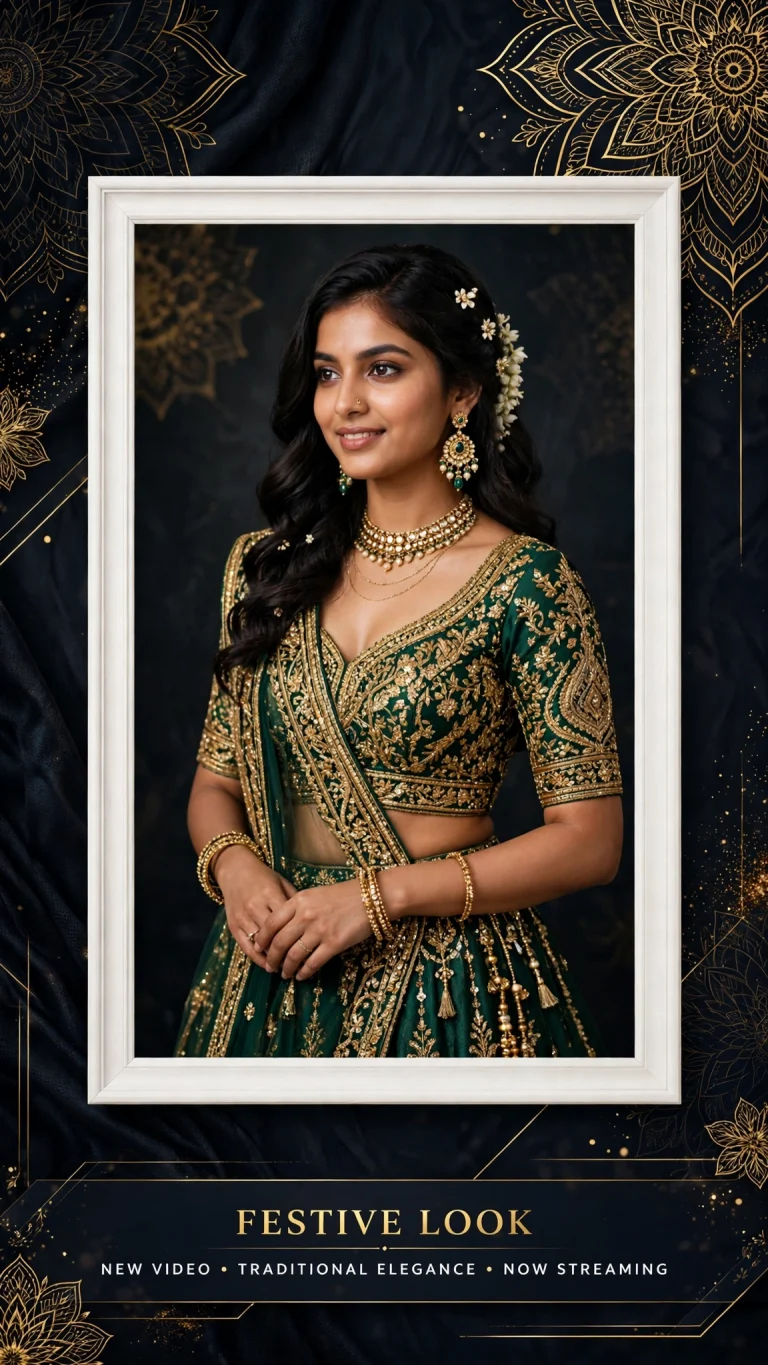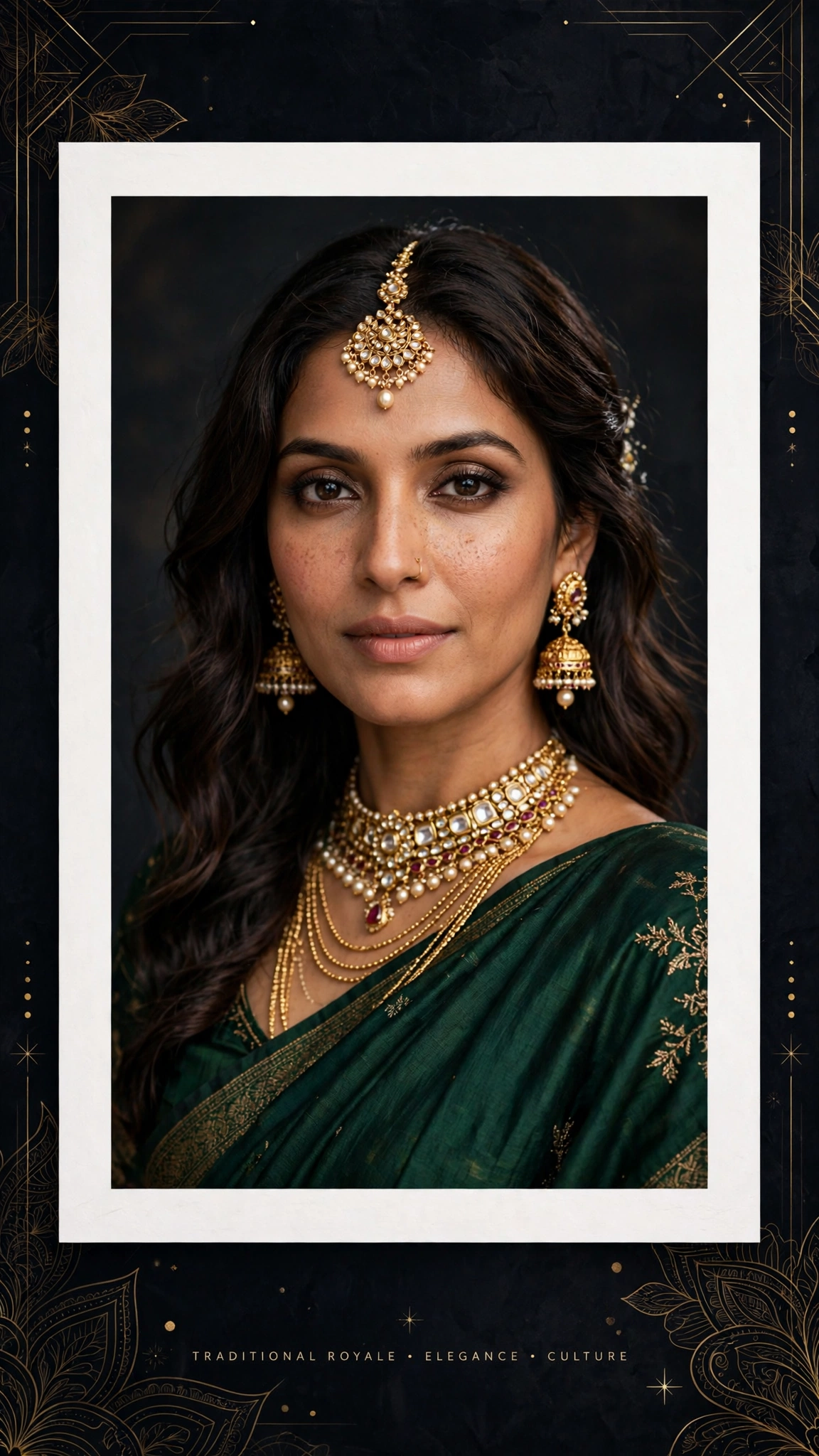
Try This Aesthetic
QUICK ANSWER
Open CapCut, search this template name, drop in your own clips — the transitions and timing are already done for you.
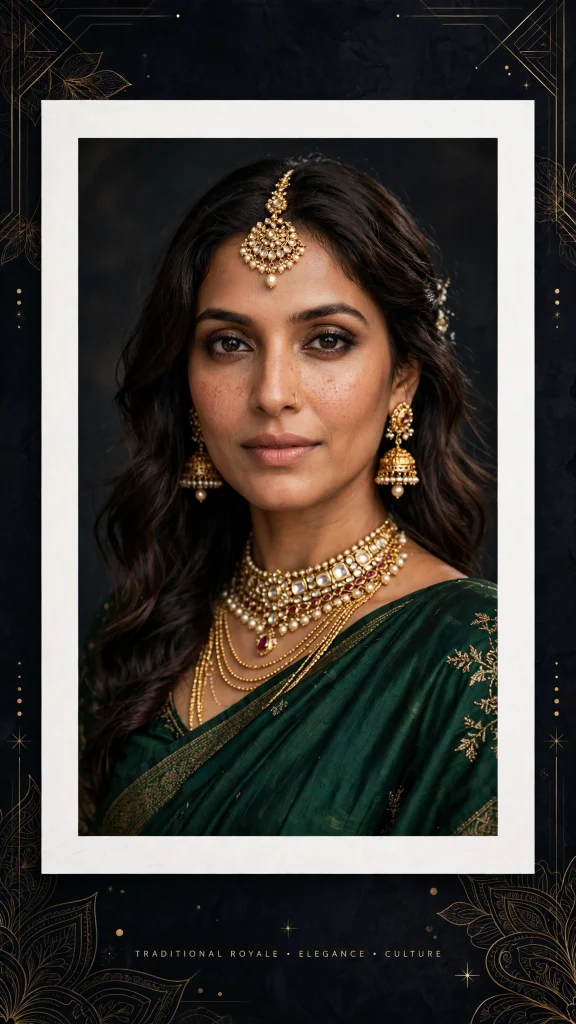
Some edits look expensive because of the timing, not the footage — and this one is the proof. The Try This Aesthetic template pairs a royal-jewellery portrait with slow, elegant transitions that make a single photo feel like a fashion film.
You do not need editing skill to get the look. Open CapCut, search the template name, drop in your own photos or clips, and the transitions, pacing and text are already done for you.
Template Details
| Item | Details |
|---|---|
| Style | Royal portrait edit |
| Audio | Soft aesthetic track in CapCut |
| Clips needed | 2–3 photos or clips |
| Best for | Portrait reels |
How to Use This Template
- Open the CapCut app and tap Templates.
- Search the template name from this post.
- Tap “Use template”.
- Add your own clips or photos in the slots shown.
- Preview, adjust the text if you want, and export.
Tips for Better Results
Use your sharpest portrait photo for the opening slot — the template’s elegant transitions show the first frame longest, so a clear, well-lit portrait sets the tone.
Keep the text short. One or two words per text layer read best against the jewellery and the soft aesthetic track.
Export at the highest quality CapCut offers before you post — the soft transitions and fine jewellery detail are the first things compression eats.
Conclusion
Try This Aesthetic turns a simple portrait into a polished, royal-looking reel — and all you did was drop in your photos. The transitions, the pacing and the soft track do the rest. For more edits like this, keep exploring Prompt Seen.
FAQ
If you enjoyed this template, explore more trending CapCut templates and AI photo prompts on Prompt Seen.