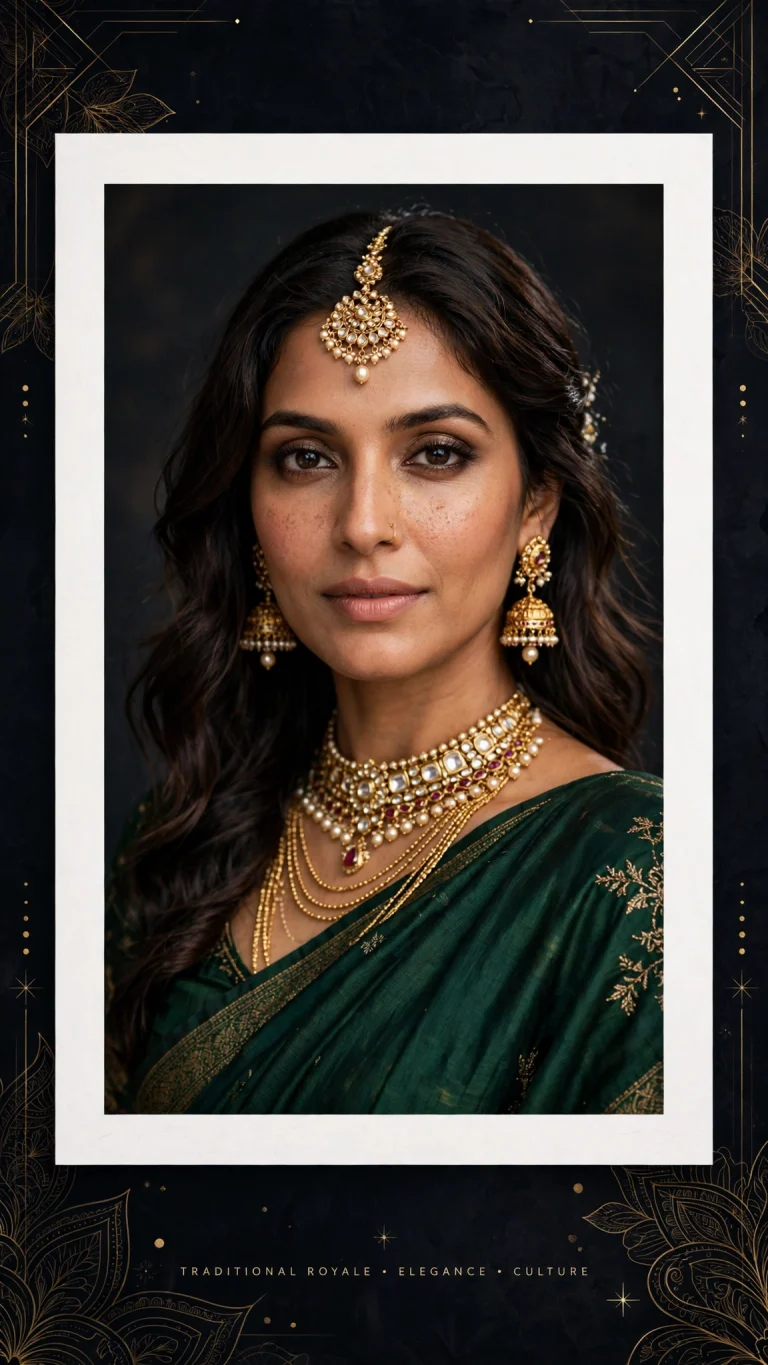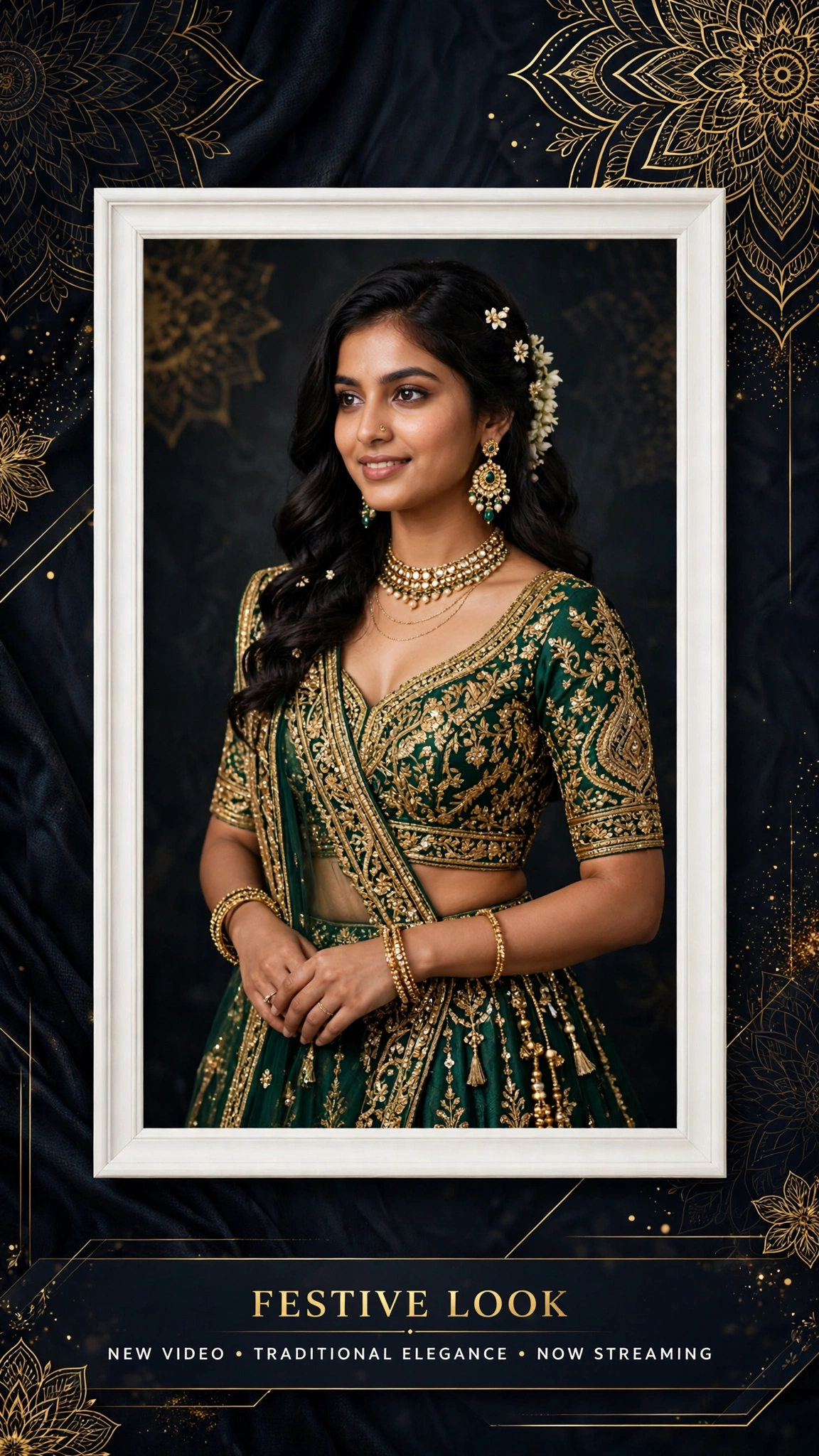
Girl Lehenga Template
QUICK ANSWER
Open CapCut, search this template name, drop in your own clips — the transitions and timing are already done for you.
Festive reels live or die on their transitions, and this lehenga template gets them right. Smooth cuts, a festive rhythm and a polished finish turn a few wedding or festival clips into a reel that looks professionally edited.
There is nothing to build from scratch. Open CapCut, search the template name, add three or four of your own clips, and the template does the heavy lifting — the transitions, the timing and the flow are already in place.
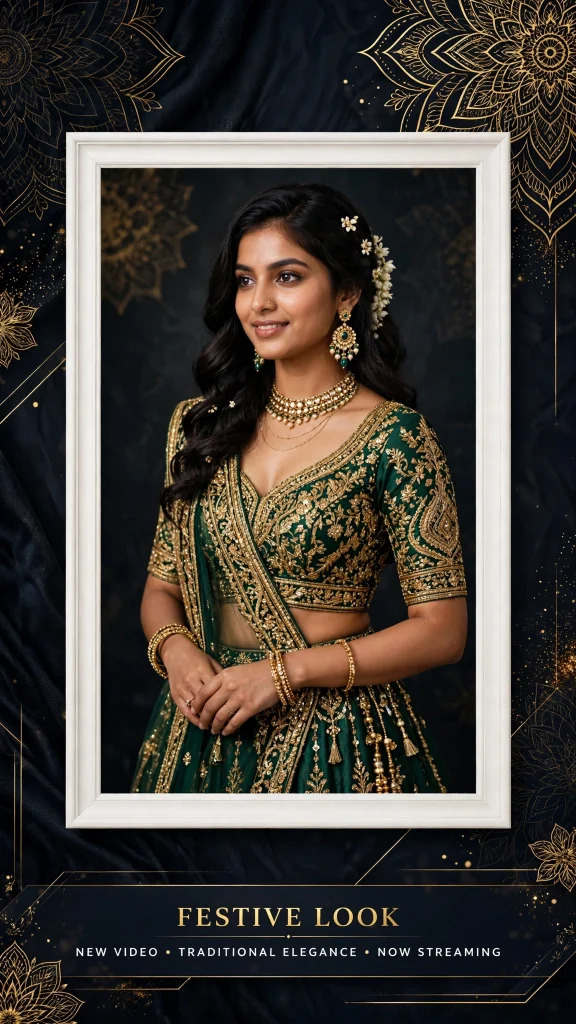
Template Details
| Item | Details |
|---|---|
| Style | Festive lehenga edit |
| Audio | Trending festive track in CapCut |
| Clips needed | 3–4 short clips |
| Best for | Wedding & festival reels |
How to Use This Template
- Open the CapCut app and tap Templates.
- Search the template name from this post.
- Tap “Use template”.
- Add your own clips or photos in the slots shown.
- Preview, adjust the text if you want, and export.
Tips for Better Results
Use your brightest lehenga clips for the opening slots — the festive colours read best when the template’s smooth transitions carry them.
Three or four short clips are the sweet spot. Longer clips slow the edit down and dull the festive rhythm.
Preview before you export and check the transitions on the lehenga’s embroidery — if a cut lands mid-twirl, swap that clip for a steadier one.
Conclusion
The Girl Lehenga Template takes the hardest part of a festive edit — the transitions — and does it for you. Add your clips, preview once, and export a reel that looks far more polished than the effort it took. For more templates like this, keep exploring Prompt Seen.
FAQ
If you enjoyed this template, explore more trending CapCut templates and AI photo prompts on Prompt Seen.