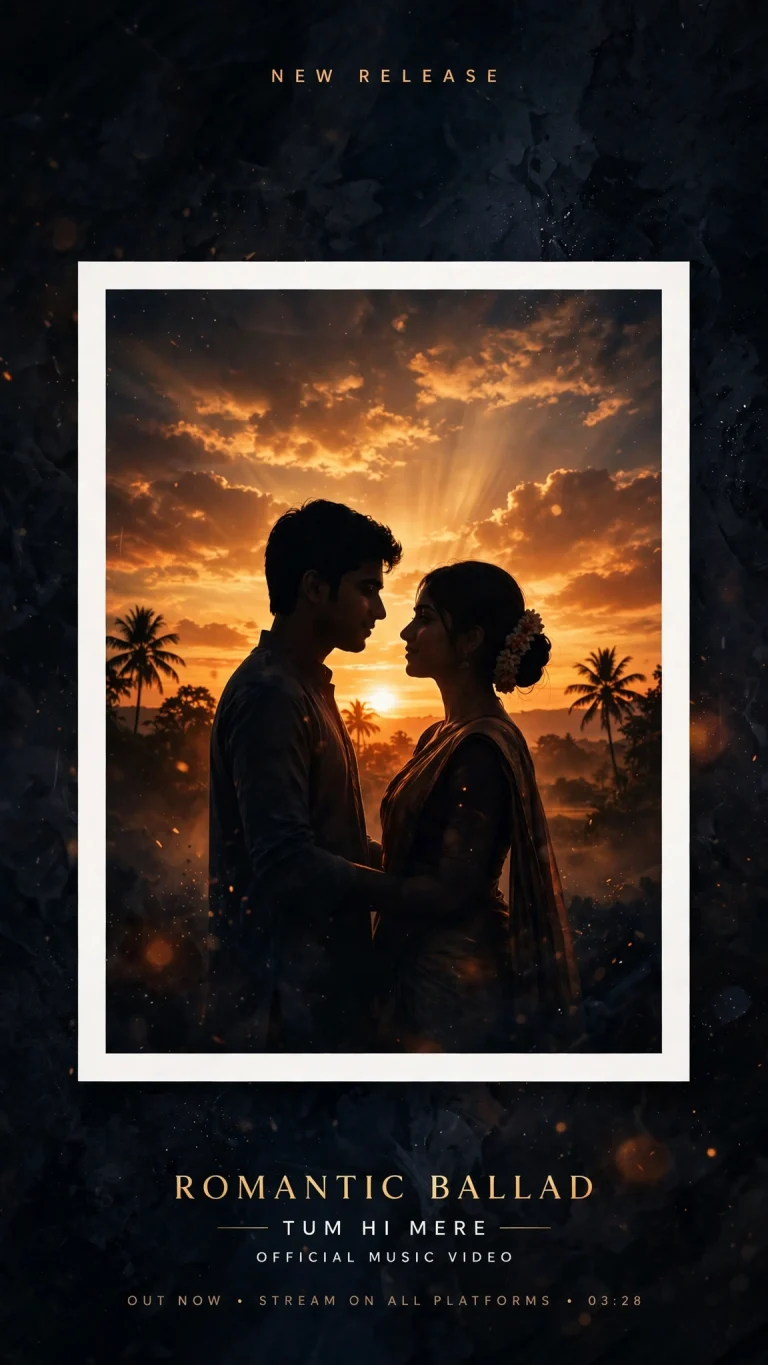
Bachna Ay Haseeno
QUICK ANSWER
Open CapCut, search this template name, drop in your own clips — the transitions and timing are already done for you.
Bachna Ay Haseeno is one of those songs that makes everyone want to dance — and this template is built to keep up with it. Every cut lands on the beat, so your clips feel like part of the song instead of just sitting on top of it.
You only need your own clips. The template handles the timing, the transitions and the retro feel — open CapCut, search the name, add your footage and export.
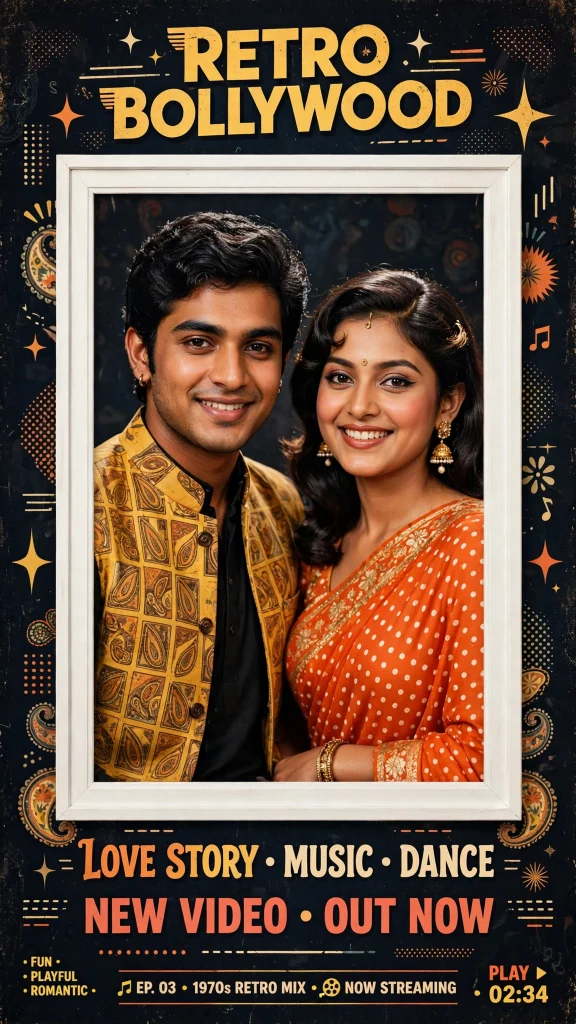
Template Details
| Item | Details |
|---|---|
| Style | Retro fun edit |
| Audio | The “Bachna Ay Haseeno” song |
| Clips needed | 3–5 clips |
| Best for | Fun dance reels |
How to Use This Template
- Open the CapCut app and tap Templates.
- Search the template name from this post.
- Tap “Use template”.
- Add your own clips or photos in the slots shown.
- Preview, adjust the text if you want, and export.
Tips for Better Results
Pick clips with movement in them — a twirl, a step, a laugh. The retro cuts land harder when the footage is already moving.
Use three to five clips and keep them short. The template follows the song, so long clips fight the beat instead of riding it.
Preview the whole reel once before exporting. If a cut feels early or late, swap that one clip rather than rebuilding the edit.
Conclusion
Bachna Ay Haseeno is a fun, retro edit that only asks you for a few clips — the template times every cut to the song. Try it with your own dance clips and see how quickly it comes together. For more templates like this, keep exploring Prompt Seen.
FAQ
If you enjoyed this template, explore more trending CapCut templates and AI photo prompts on Prompt Seen.